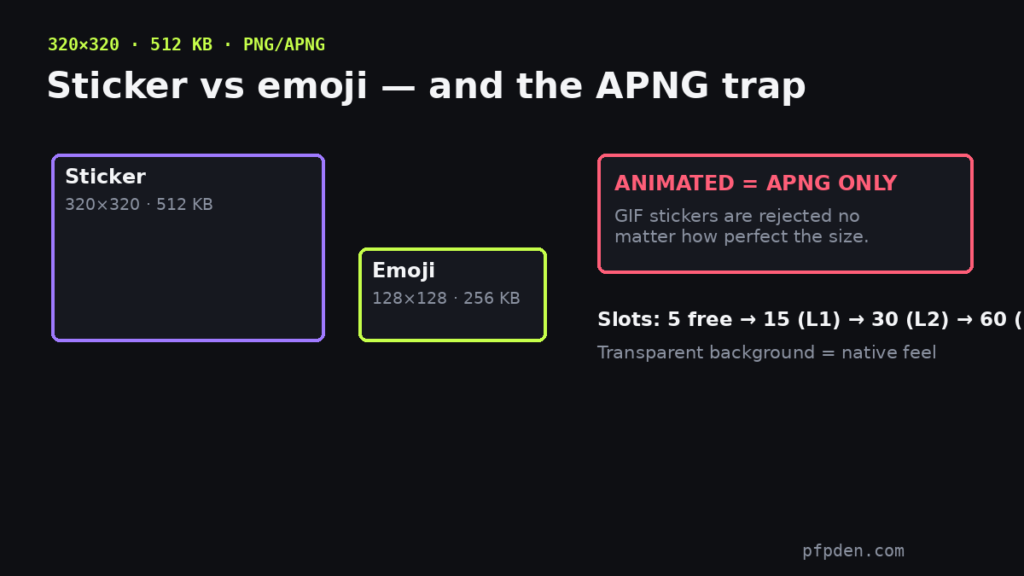
Quick answer: Discord stickers are 320×320 pixels with a 512 KB cap, in PNG or APNG format. The format rule surprises everyone: animated stickers must be APNG, not GIF — a GIF upload fails no matter how perfect its size. Check any image against the sticker rules here:
Emoji: 128×128, must be under 256 KB. Sticker: 320×320, under 512 KB. The badge shows the real exported file size — the cap is what actually fails uploads, not the pixels.
Sticker vs emoji — the actual differences
Stickers are bigger in every way: 320px vs 128px for emojis, 512 KB vs 256 KB, and they render large in chat instead of inline with text. Transparent backgrounds make stickers feel native; solid rectangles read as pasted images.
The APNG trap
Discord’s animated sticker format is APNG (or Lottie for partner servers) — chosen for better transparency and color than GIF. If your animation lives as a GIF, convert it to APNG first, then watch the 512 KB cap: APNG frames are heavier than GIF frames, so short loops win.
Slots
Sticker slots start at 5 and expand with server boosts — 15 at Level 1, 30 at Level 2, 60 at Level 3.
Every other Discord surface — avatar, banners, icons, emoji — is covered in the complete Discord image size guide.
FAQ
What size are Discord stickers?
320×320 pixels with a 512 KB file cap, in PNG or APNG format.
Why won’t Discord accept my GIF sticker?
Stickers don’t support GIF — animated stickers must be APNG. Convert the GIF to APNG and stay under 512 KB.
How many sticker slots does a server get?
5 by default, expanding with boosts: 15 at Level 1, 30 at Level 2, 60 at Level 3.