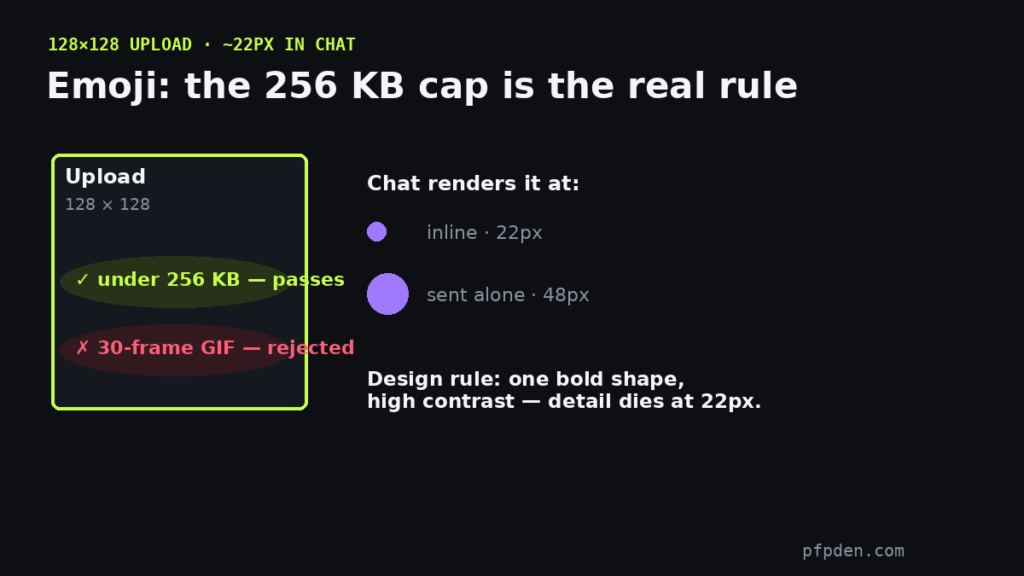
Quick answer: Discord emojis (emotes) are 128×128 pixels with a hard 256 KB file cap. The dimensions are easy; the file cap is what actually rejects uploads — especially animated GIFs, where every frame adds weight. Check any image against both rules here:
Emoji: 128×128, must be under 256 KB. Sticker: 320×320, under 512 KB. The badge shows the real exported file size — the cap is what actually fails uploads, not the pixels.
Why your emoji upload keeps failing
Nine times out of ten it is the 256 KB cap, not the size. A 128px static PNG almost always passes; a 30-frame GIF at 128px almost never does. Fixes that work: cut frames, shrink the palette, or trim the loop length. The checker above shows the real exported size, so you know before Discord tells you no.
Emoji design at 22 pixels
You upload at 128px, but chat renders emojis around 22px (48px when sent alone). That means bold silhouettes, one focal element, and high contrast — a detailed image becomes noise at chat size. The same small-size logic behind good pfps applies double here.
Slots and animated emojis
Every server gets 50 static + 50 animated slots, expanding with boost levels up to 250 each. Animated emojis follow the same 256 KB cap — using them everywhere requires Nitro.
Stickers follow different rules (320px, 512 KB) — the sticker size guide covers them, and every other surface is in the complete size guide.
FAQ
What size are Discord emojis?
128×128 pixels with a 256 KB file cap. In chat they render around 22px, so keep designs bold and simple.
Why does Discord say my emoji file is too big?
You hit the 256 KB cap — common with animated GIFs. Reduce frames or colors, or use the resizer above to check the exported size first.
What is the difference between emote and emoji sizes?
None — ’emote’ and ’emoji’ are the same thing on Discord: 128×128, under 256 KB.
How many emoji slots does a server get?
50 static and 50 animated by default, rising with boost levels up to 250 each.